Losing a Bluetooth earphone can be a frustrating experience, especially since these devices are small, portable, and easily misplaced. Whether you're on a commute, at home, or in the office, it's not uncommon to forget where you last placed your Bluetooth earphones. Fortunately, there are ways to track them down. In this article, we’ll walk you through some practical methods to find your lost Bluetooth earphones and discuss preventive measures to avoid losing them in the future.
Understanding the Challenges of Finding a Lost Bluetooth Earphone
Bluetooth earphones, while incredibly convenient, have a few characteristics that make them harder to find when lost. Their small size, lack of physical tethering (such as a cord), and wireless nature mean they don’t leave obvious traces like traditional wired headphones might. Additionally, they often don’t have any built-in GPS or tracking systems, which makes locating them much more challenging.
Common Places Bluetooth Earphones Get Lost
Before we dive into how to find a lost Bluetooth earphone, let’s take a moment to consider the most common places they tend to get misplaced:
In the couch cushions: Due to their small size, earphones often fall between sofa cushions or get hidden in crevices.
Car seats: Whether you’ve been driving or simply resting your earphones in the car, they might end up on the seat or between the seats.
Backpacks and bags: It's easy to lose earphones inside a packed bag or backpack where they can slip under other items.
On the floor: Earphones often fall on the floor without you noticing, especially if you're walking or moving around.
In pockets: Sometimes, earphones are accidentally placed in pockets and forgotten.
Why Bluetooth Earphones Are Hard to Find
The absence of a cord means Bluetooth earphones can easily be overlooked. Unlike wired headphones, which are connected to your device, Bluetooth earphones often don’t provide the same visual clues or tactile feedback when they’re lost. Furthermore, unless your earphones have a built-in "Find My Earphones" feature, they won't emit sound or make noise to help you track them.
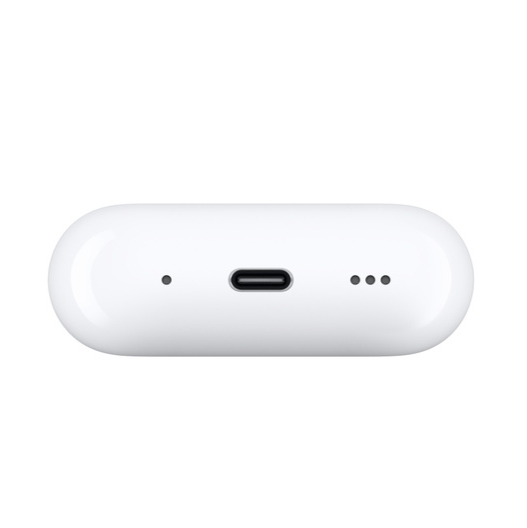
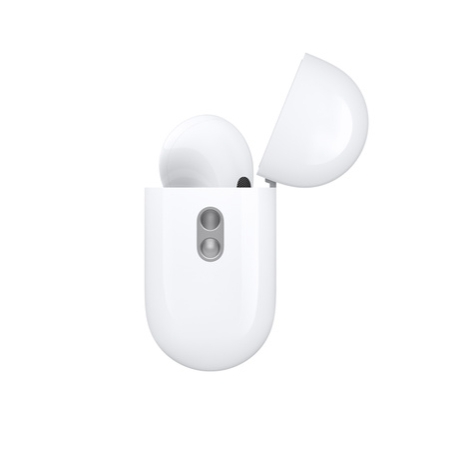
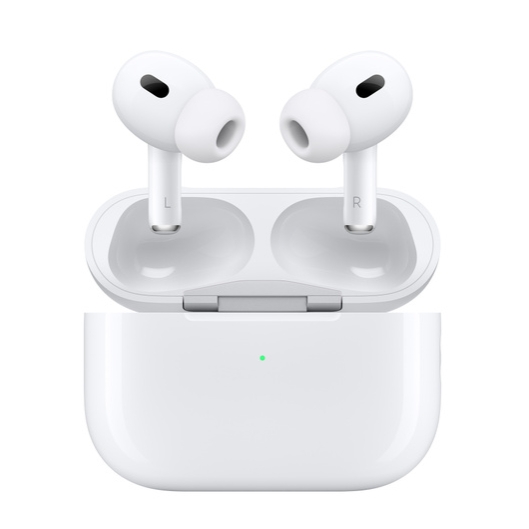
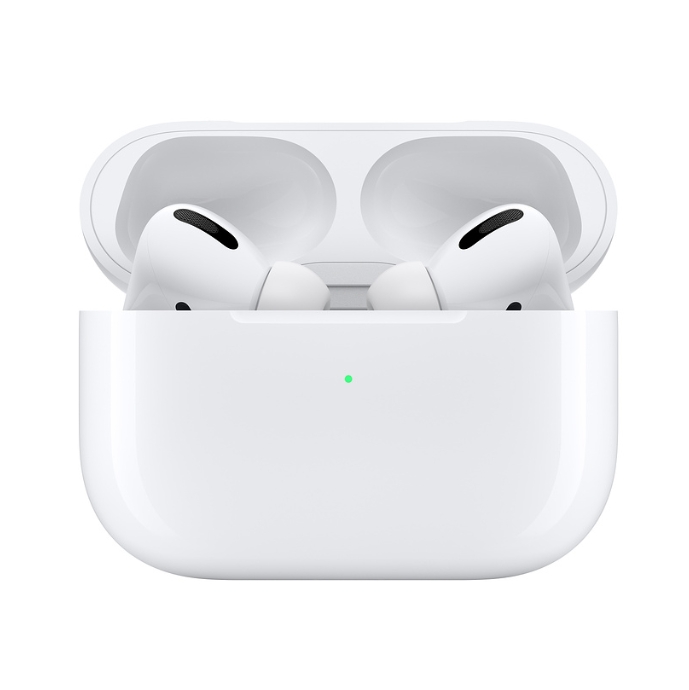
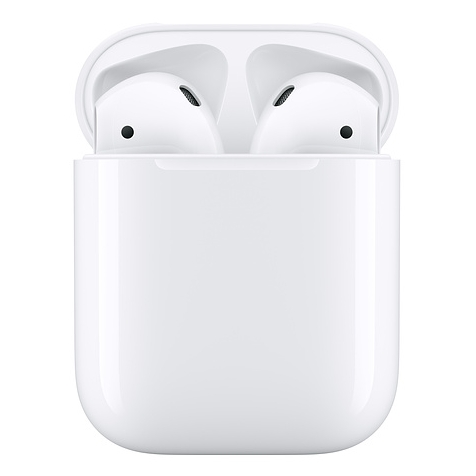
Methods to Find a Lost Bluetooth Earphone
While Bluetooth earphones can be difficult to locate, there are several methods and tools you can use to increase your chances of finding them.
1. Use the “Find My” Feature (For Compatible Models)
Some Bluetooth earphones, particularly models from well-known manufacturers like Apple, Samsung, or Jabra, have a built-in “Find My” feature. For instance, Apple’s AirPods can be tracked using the “Find My” app, which shows the last known location of your earphones or, in some cases, plays a sound through the earphones to help you find them.
2. Check the Last Known Connection
If your earphones are still powered on but out of sight, you may be able to track them using the Bluetooth connection on your phone or computer.
How to Check Last Known Bluetooth Connection:
Open the Bluetooth settings on your device (phone, tablet, or computer).
Look for the earphones in the list of paired devices.
If the earphones are connected or in range, you can hear sound from them, or you can play audio to help locate them.
However, this method only works if the earphones are still turned on and within Bluetooth range. If the earphones are turned off or out of range, you won’t be able to detect them using Bluetooth.
3. Play Audio Through Your Bluetooth Earphones
If you can’t find your earphones visually, playing sound through them may help you hear their location. Make sure that your earphones are connected to a device (smartphone, laptop, or tablet) and then play music, a podcast, or any sound that might help you locate them.
Steps to Play Sound:
Connect your Bluetooth earphones to a device.
Play audio or video on your phone, ensuring the sound is directed through your Bluetooth earphones.
Slowly walk around the area where you last used them, listening carefully for any audio cues.
This method is useful when you suspect your earphones are nearby, such as on a table, under furniture, or in a bag.
4. Search Common Areas Methodically
While this might seem like a basic approach, systematically searching places where you usually use your earphones is essential. Start by checking the most obvious areas, such as your desk, bedside table, or bathroom counter. You can also check the spaces where you last had your earphones, like a car or a jacket pocket.
Here’s a step-by-step plan to help you search effectively:
Step 1: Retrace your steps. Think back to the last time you were using your Bluetooth earphones and start the search from that spot.
Step 2: Check small areas. Since Bluetooth earphones are small, they could have fallen into any small gaps like between couch cushions, under furniture, or inside bags.
Step 3: Use a flashlight. Shine a light in dark spaces, as Bluetooth earphones are often hard to spot in low light.
5. Use a Bluetooth Tracker (For Future Prevention)
For future reference, consider using a Bluetooth tracker. These small devices, like the Tile tracker, can be attached to your Bluetooth earphones case or bag. The tracker allows you to locate your earphones using an app on your phone. When you lose your earphones, you can use the tracker to see the last known location of your earphones and, in some cases, ring them with a sound.
How Bluetooth Trackers Help:
Last known location: The app records the last place your earphones were connected to your phone.
Sound Alerts: Some trackers can emit a sound that helps you locate your lost item.
Distance Measurement: You can measure the distance between you and your earphones, helping you narrow down their location.
6. Check for Physical or Visible Signs
Sometimes, you may be able to find your earphones by looking for physical signs. For instance, if your earphones were recently dropped, they may have left a small dent or scratch on the floor or wall where they fell. You might also find signs like debris or dirt around the area where your earphones were lost.
Preventive Tips to Avoid Losing Your Bluetooth Earphones
While it’s always helpful to know how to find lost Bluetooth earphones, prevention is better than cure. Here are some tips to help prevent future losses:
1. Keep Your Earphones in a Case
Always store your Bluetooth earphones in their case when not in use. Not only does this protect them from damage, but it also ensures you know exactly where they are.
2. Use a Bluetooth Key Finder
If you tend to lose your earphones often, invest in a Bluetooth key finder. Attach the finder to your earphones case, and it will help you locate them easily.
3. Establish a Routine
Develop the habit of placing your earphones in the same place every time you finish using them. Whether it’s a specific drawer, shelf, or pouch, consistency will make it easier to find them.
Why Choose OB Bluetooth Earphones?
At OB Technology, we pride ourselves on offering high-quality Bluetooth earphones equipped with the latest technology. Our earphones feature Bluetooth 5.0/5.4, ensuring fast pairing and a stable connection with low latency. With active noise cancellation (ANC) and environmental noise cancellation (ENC), our earphones deliver clear calls and immersive sound, perfect for any occasion. Additionally, our long battery life and comfortable fit make our Bluetooth earphones ideal for long listening sessions, whether you're commuting, working, or gaming.
With a robust warranty and excellent customer service, OB Technology is committed to ensuring that you have the best audio experience possible. We look forward to helping you enjoy wireless freedom and superior sound quality!
FAQ
1. What should I do if I lose my Bluetooth earphones?
Start by retracing your steps and checking common areas where you typically use your earphones. Use the "Find My" feature or Bluetooth settings to check the connection, and consider using a Bluetooth tracker for future prevention.
2. How can I prevent losing my Bluetooth earphones in the future?
Store your earphones in their case when not in use, use a Bluetooth key finder, and develop a routine for always placing them in the same location.
3. Why won’t my Bluetooth earphones connect to my device?
Ensure that Bluetooth is enabled on your device and that your earphones are in pairing mode. Also, check if the earphones are already paired with another device.
4. Can I use Bluetooth earphones with multiple devices?
Yes, many Bluetooth earphones can pair with multiple devices. However, you might need to disconnect them from one device before connecting to another.
5. How do I reset my Bluetooth earphones?
Consult your earphones' user manual for specific instructions on how to reset them. Generally, resetting can help resolve connection or pairing issues.